NMC is an in-house protocol of Imimot Softwares to broadcast transport and locate commands over the network. It can be used to syncing multiple Vezér or Mitti instances on the local network.
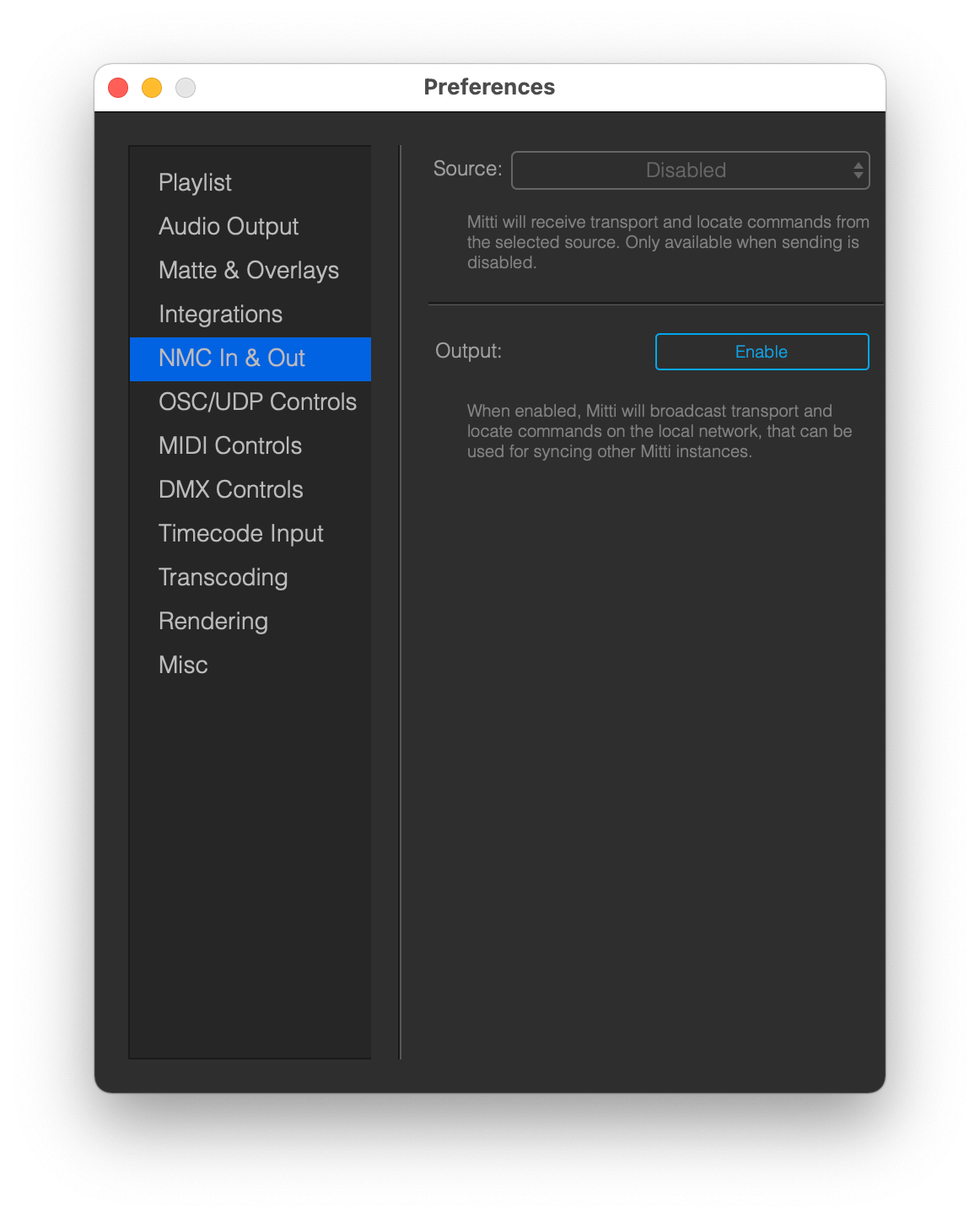
You can find the NMC In & Out options on the Project Preferences window.
If you specify a source, Mitti will listen to incoming NMC commands from that broadcaster, including transport and locate commands. This feature is the easiest way to sync Mitti to Vezér, and can be also used to synchronize multiple computers running Mitti instances, for example for backup purposes.
If you Enable Output Mitti will broadcast NMC commands like transport and locate and will act as a Master NMC connection - this way you can specify a master machine for example if you want to sync with other computers on the local network running the same Mitti project.
Mitti cannot output and listen NMC commands at the same time of course.
Important: All NMC commands are ignored when Mitti is running as a timecode follower. Mitti cannot output and listen NMC commands at the same time.
A dedicated network is suggested to use this feature, preferably with wired connection.
NMC does not work on link-local addresses, although the instances "see" each other. You must configure your computers within these IP ranges:
- 192.168.0.0 - 192.168.255.255
- 172.16.0.0 - 172.31.255.255
- 10.0.0.0 - 10.255.255.255