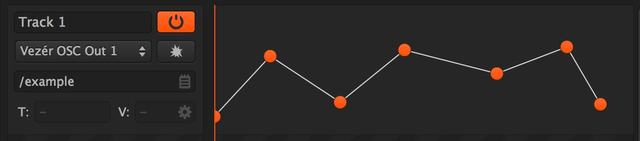
This kind of Track type is for sending OSC values.
The extra settings of this Track type are the destination:
- OSC output node
- OSC namespace with OSC Presets button
- a button inside the Value field where you can set the OSC value type ( integer, float or boolean ) and you can define the minimum and maximum value of the current Track.
OSC Track Settings
You can set different options for each OSC Tracks, by clicking on the gear wheel icon on the right side of the value field, like:
- the minimum and maximum range
- float, integer or boolean type output
There is also an option to send normalised floats only (0.0f - 1.0f) even if the Track has different settings - this can helpful while editing in case you need to send values between 0 and 1 to control a higher range of values - like pixels. Starting from Vezér 1.4.1 OSC Tracks will automatically reconnect to Bonjour OSC Targets, when the target appears again and the target had not been changed in the meantime.
Vezér 1.6 added an option to use 5 fraction digits with OSC Floats instead of the default behaviour (2 fraction digits). This option is automatically turned on when you recording OSC Floats.
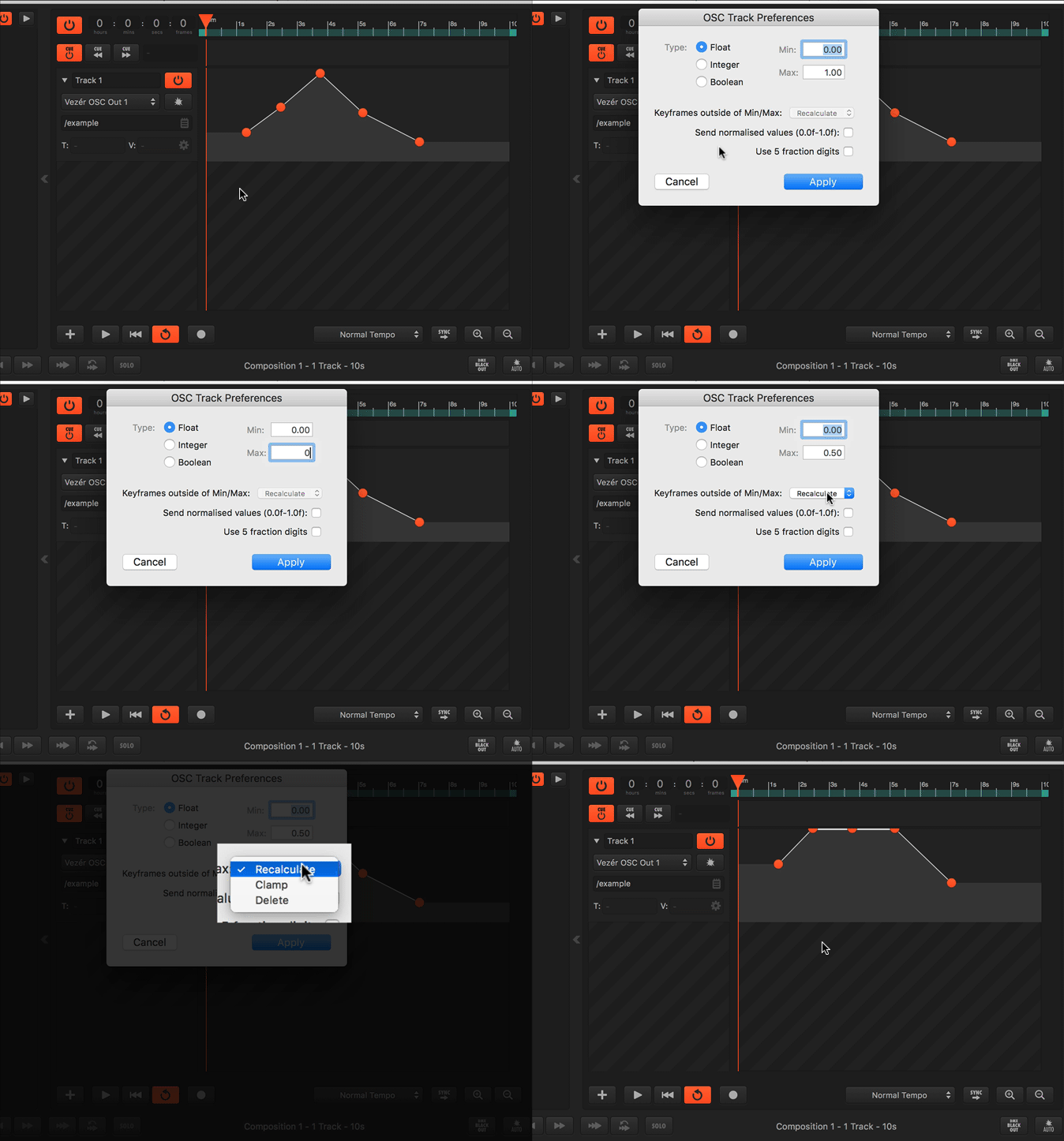
There are 3 options you can select to setup how to deal with Keyframes outside of the new Min/Max range on OSC Tracks.
- Recalculate: Keyframes will be normalised within the new range
- Clamp: Keyframes will be clamped
- Delete: Keyframes will be removed