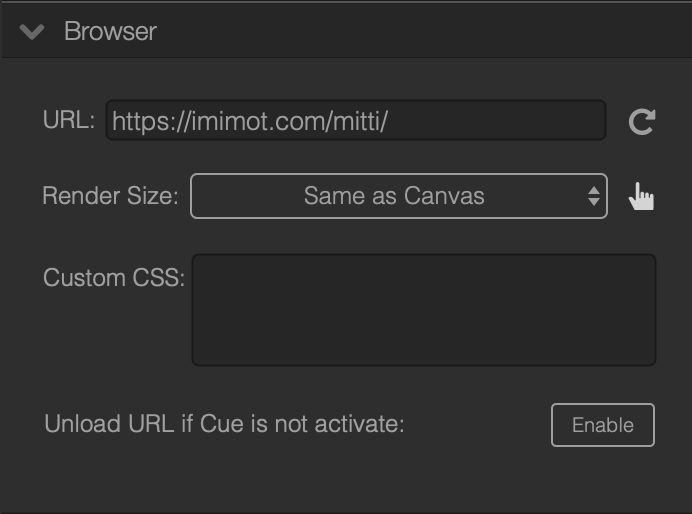
Mitti can render web pages using a transparent, offscreen WebKit based browser. This option is mainly created to make it easy to render popular web-based lower third applications like H2R Graphics, Holographics or SPX Graphics in Mitti, then play out to your switcher using HDMI, SDI or NDI.
If you are running macOS Monterey 12.3 at least, this feature leverages the power of the new ScreenCaptureKit API that makes rendering super-smooth, but Mitti will ask for Screen Recording permission. In earlier macOS versions this privilege is not needed because Mitti will use an older and graphics technology - it is little less performant, but works fine too.
If you need to interact with the offscreen webpage, you can click on the little hand icon on the Inspector, then Mitti will display the browser in a Window for you - you can click on cookie banners, buttons, scroll or login if need. When you're ready, just close the window to quit from interaction mode.