
How to create an OSC Preset?
To create an OSC Preset click on the icon on the right side of the namespace field of an OSC select, then select Save Preset... option.
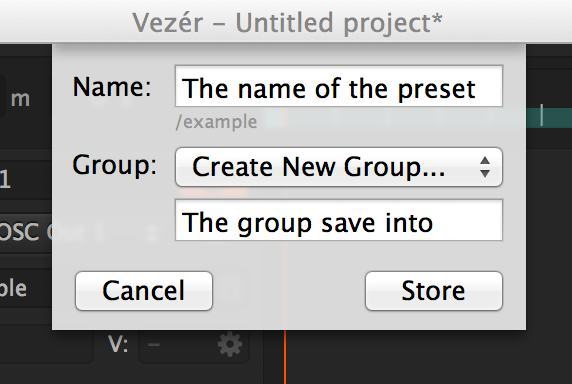
Now you need to set the name of the Preset and select the group you want to put to, or create a new group.
What does a Preset and a Preset file contain?
An OSC Preset contains
- the namespace
- the track type
- the minimum and maximum values of the track
A Preset file contains multiple OSC Presets, and called as a Preset Group. The file name is the name of the Preset Group.
How to remove an OSC Preset from the OSC Presets Menu?
Hold down the Alt key when the OSC Presets contextual menu is visible, and (X) text should be visible before all items in the last. If you click on an OSC Preset now, the Preset will be removed.
Can I view the settings of an OSC Preset without loading it?
Hold down the Alt key when the OSC Presets contextual menu is visible to see the namespace of an OSC Preset.
How can I install/backup a Preset file?
There is a button in Vezér's Preferences window which opens the location of OSC Preset files in Finder. This files have .plist extension. To backup a preset, just create a copy of the Preset file you want to an other location, to install a Preset file, drop the .plist file into this location.