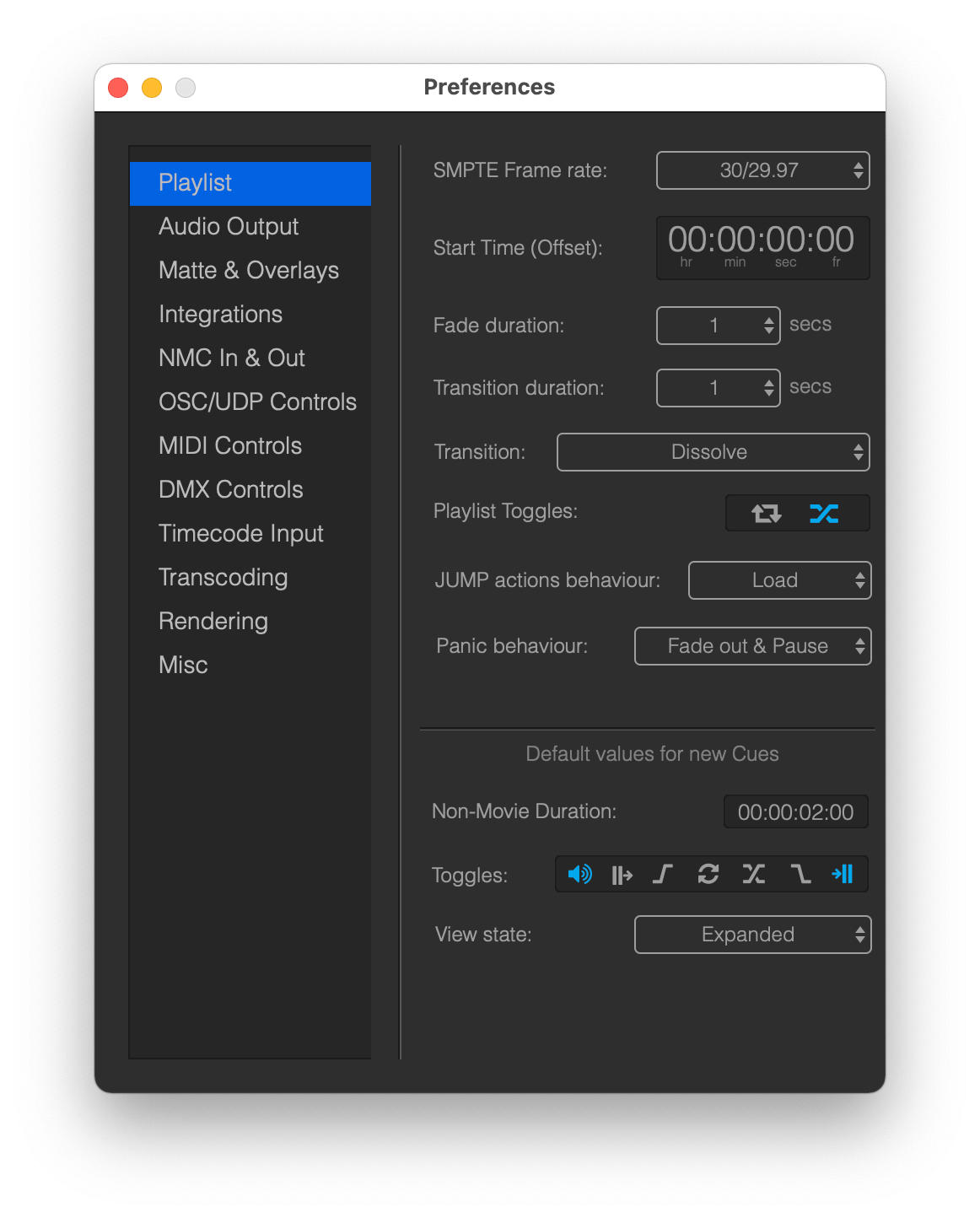
Time in Mitti represented as SMPTE time, so it always uses the hh:mm:ss:ff format. The Playlist can be, and must be configured in the Playlist Preferences to use one of the following frame rates: 24, 25, 30/29.97 - even if your movies has a different frame rate.
Mitti's internal timeline must be consecutive, which means Cues will be always consecutive, so no empty time are allowed between them. Mitti will manage that for you, so there are no things to do on your side. Whenever you are creating a new Cue, that will be added after the last one.
You can set the Start Time of the Playlist as well, and this setting will be also applied as the timecode offset if Mitti is following external timecode.
You can also specify the duration of Cue Fades, non-movie Cue duration, default state of Playlist Looping and Transition on Play, behaviour of JUMP and Panic actions as well as default Cue states.