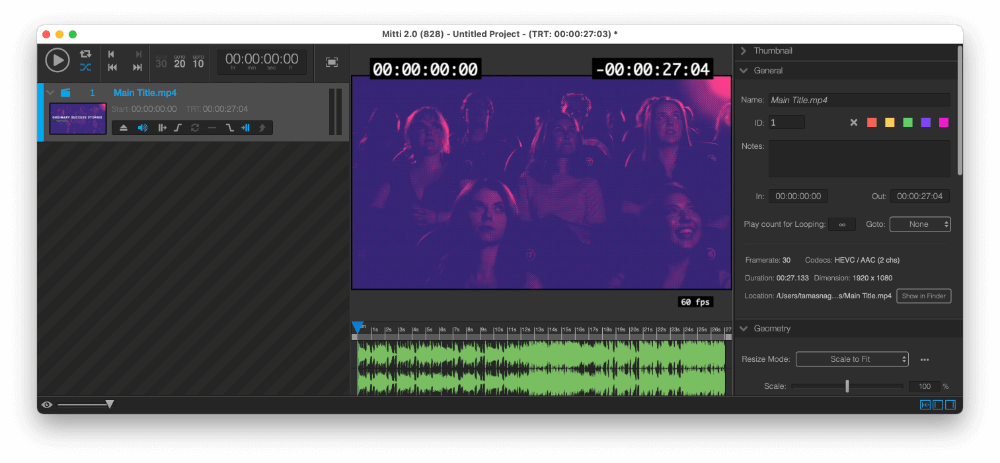
There are multiple ways to create Cues in Mitti. Video, Still Image and Audio Cues can be created by simply drag-n-dropping files from Finder to Mitti's Playlist view, while Syphon, Camera and NDI Cues types are only accessible from the File... Menu. Once you created a Cue it will be added to the Playlist.
You can expand or collapse Cues with the grey triangle on their left side, or by selecting one or multiple and hit CMD+U.
Once you have multiple Cues you can set the Current Cue, and also remove or re-order Cues when needed.
Each Cue has its own Preferences, such as Color Controls, Source, Transition and so on.
You can read about Cues in-depth in the Cues Section.