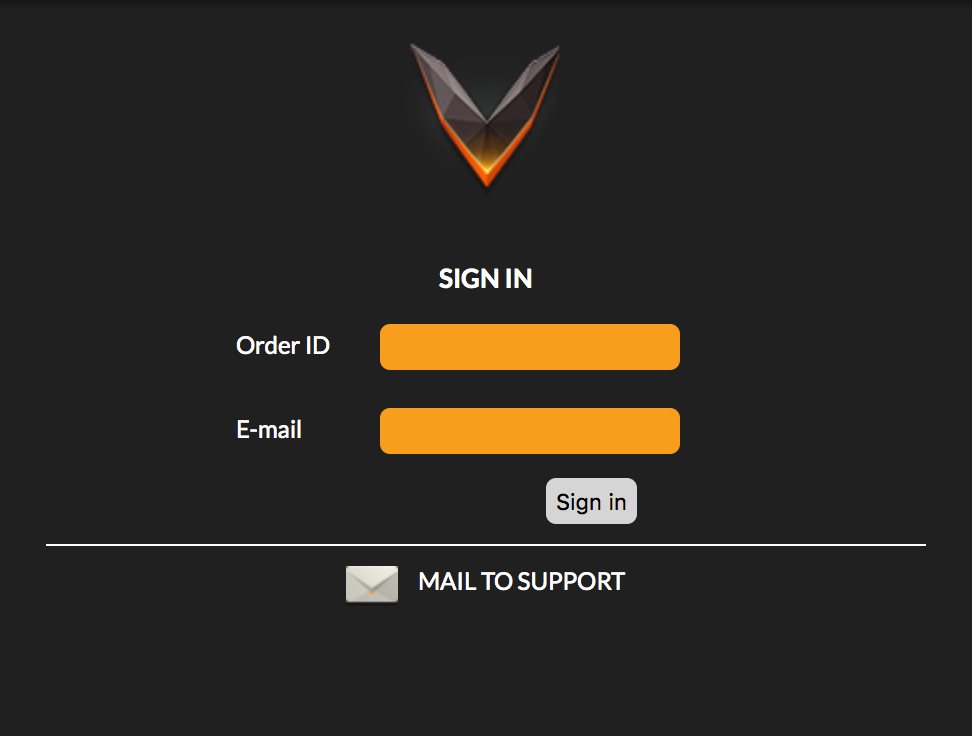
To de-activate a computer associated with your license and free-up an activation slot, you need to log in to the license manager using your Order ID and e-mail address: https://imimot.com/vezer/myorder
Your can find your Order ID in the subject line of the fulfillment e-mail. If you lost your fulfillment e-mail, please let us know, so we can resend it to you.
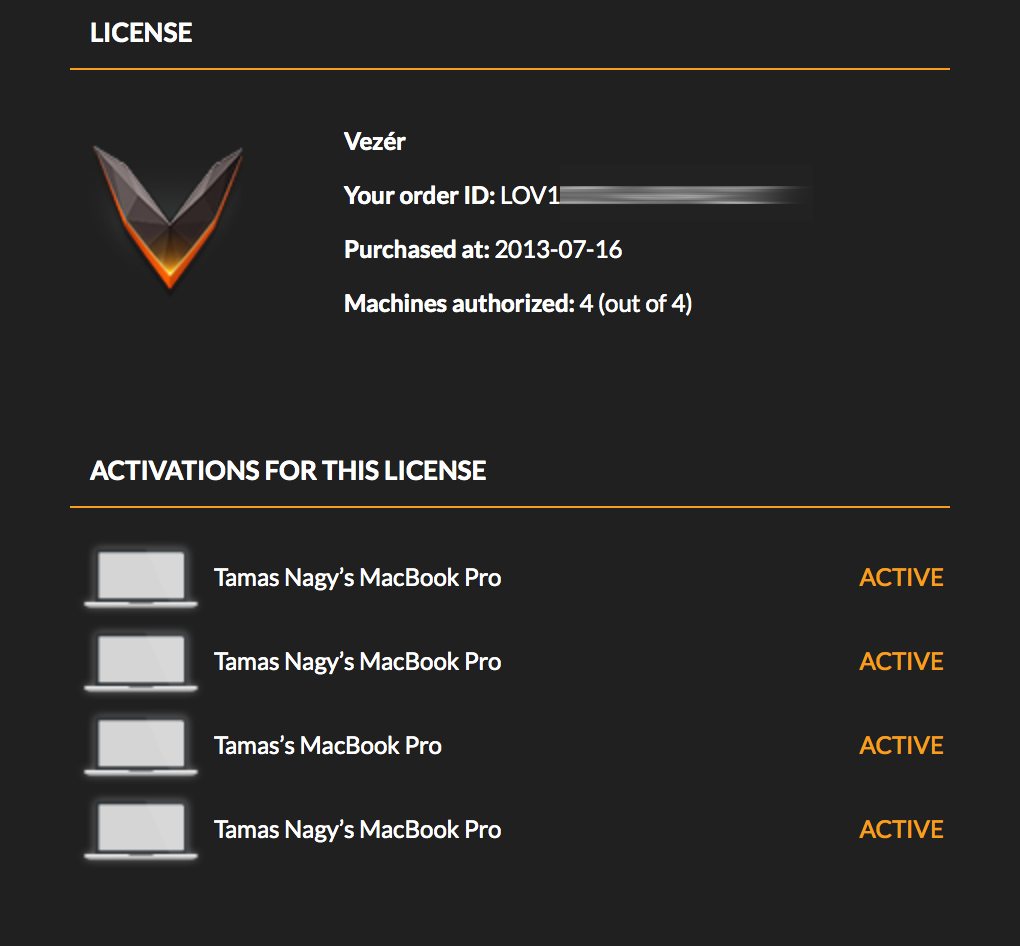
After login, you will see the computers currently associated with your license. The de-activate any of them, move your mouse over the "Active" field, and click on de-activate.