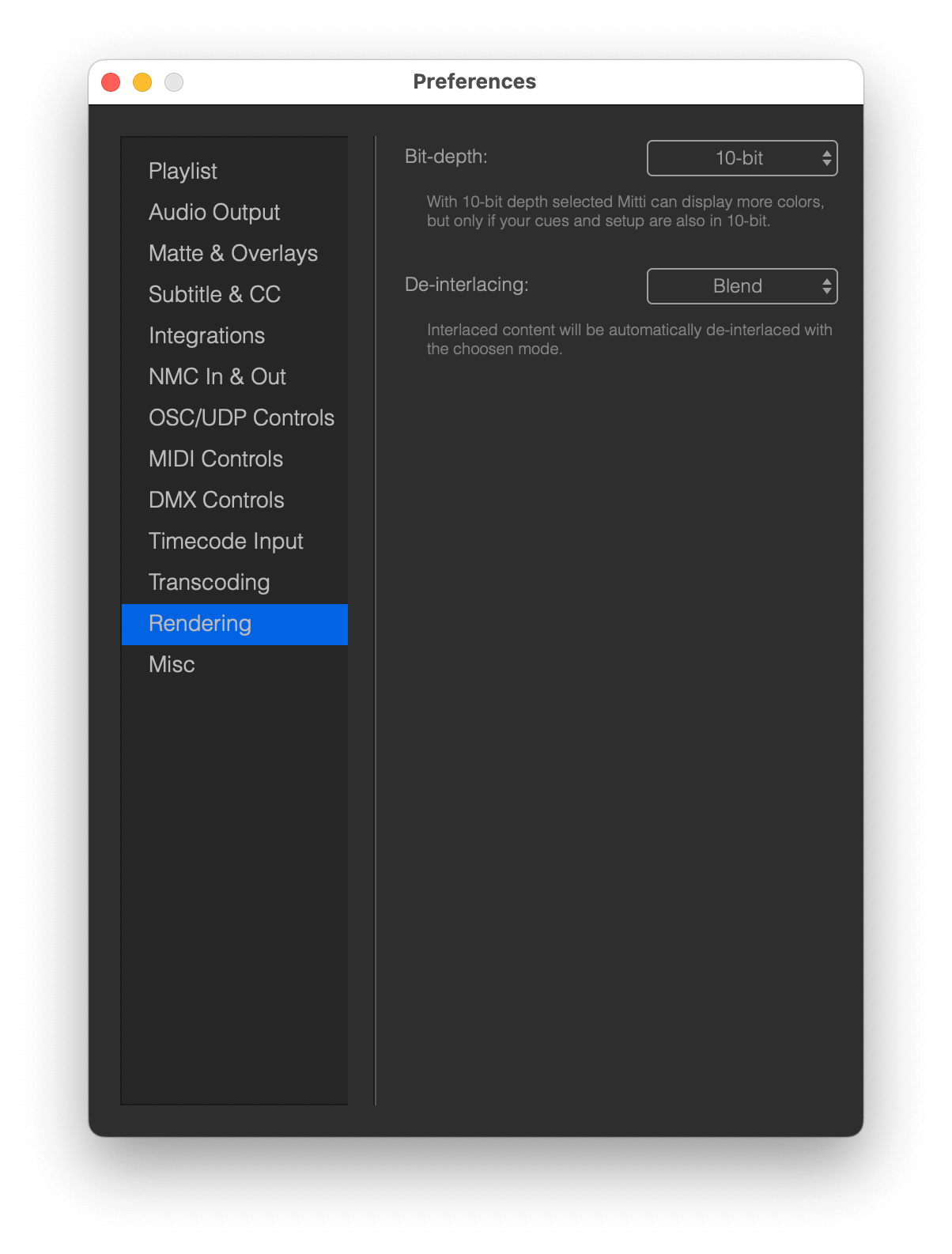
You can choose between 8 or 10 bit rendering in Mitti’s Preferences - Rendering. In most cases, you want to stick with standard 8 bit mode.
The 10 bit option is useful if your video displays color gradients, that may results in artifact called "banding" in 8 bit rendering mode because the narrower limited number of shades can't always render subtle differences in tone:
- An 8-bit video can display up to 256 shades of each of the red, green, and blue channels. This means it can represent approximately 16.7 million colors in total (256×256×256).
- A 10-bit video can display up to 1024 shades of red, green, and blue. This results in over 1 billion colors (1024×1024×1024), offering a much wider color range.
Mitti does convert between 8 and 10 bit vice and versa on the fly, but it's worth noting if you have only 8 bit sources in your playlist, or if a device in your setup only supports 8 bit, 10 bit rendering won't give you any upsides.
With NDI Output, Mitti is sending out and receive P216 frames, which are 16 bit YUV frames as NDI is either 8 bit ot 16 bit.
With Blackmagic Output, with most cards 10 bit YUV rendering is supported, but best to check your device's specification. However, for key & fill outputs thru a Blackmagic card only 8 bit is supported yet.
This means, if you want to render in 10 bit mode with alpha, only Syphon is capable to do that for now.