Setup a Matrox Dual/TripleHead2Go in Mitti is just a few click.
1. Add Screens
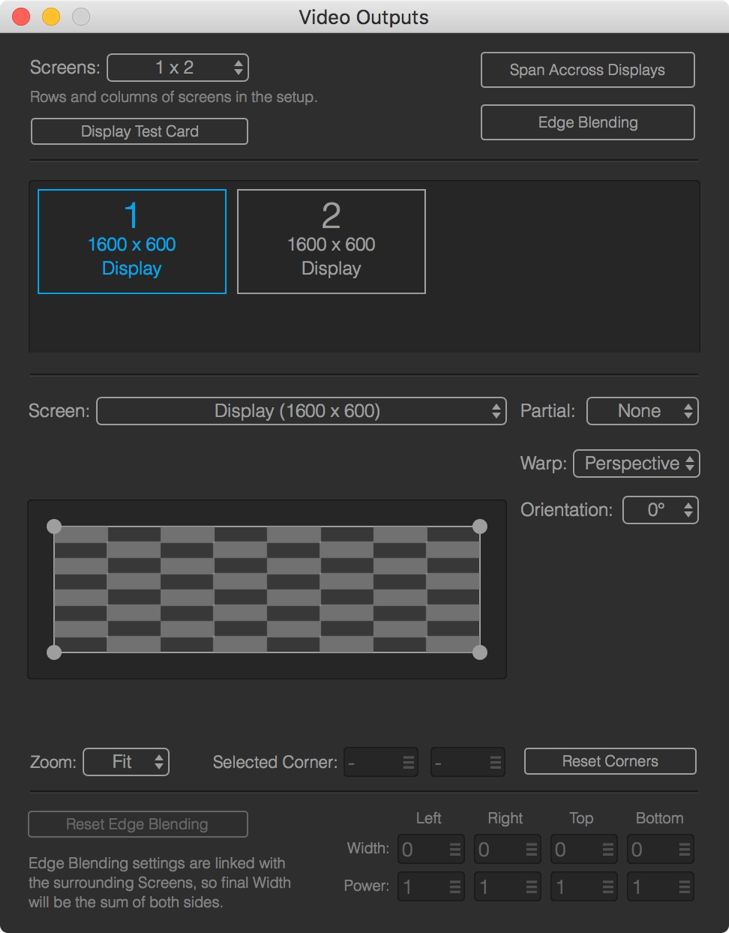
First, you need to create as many screen in the Video Output as you need - 2 for a DualHead2Go and 3 for a TripleHead2Go. Then you need to select the correct screen for each one from the Screen popup.
2. Set Partial Screens
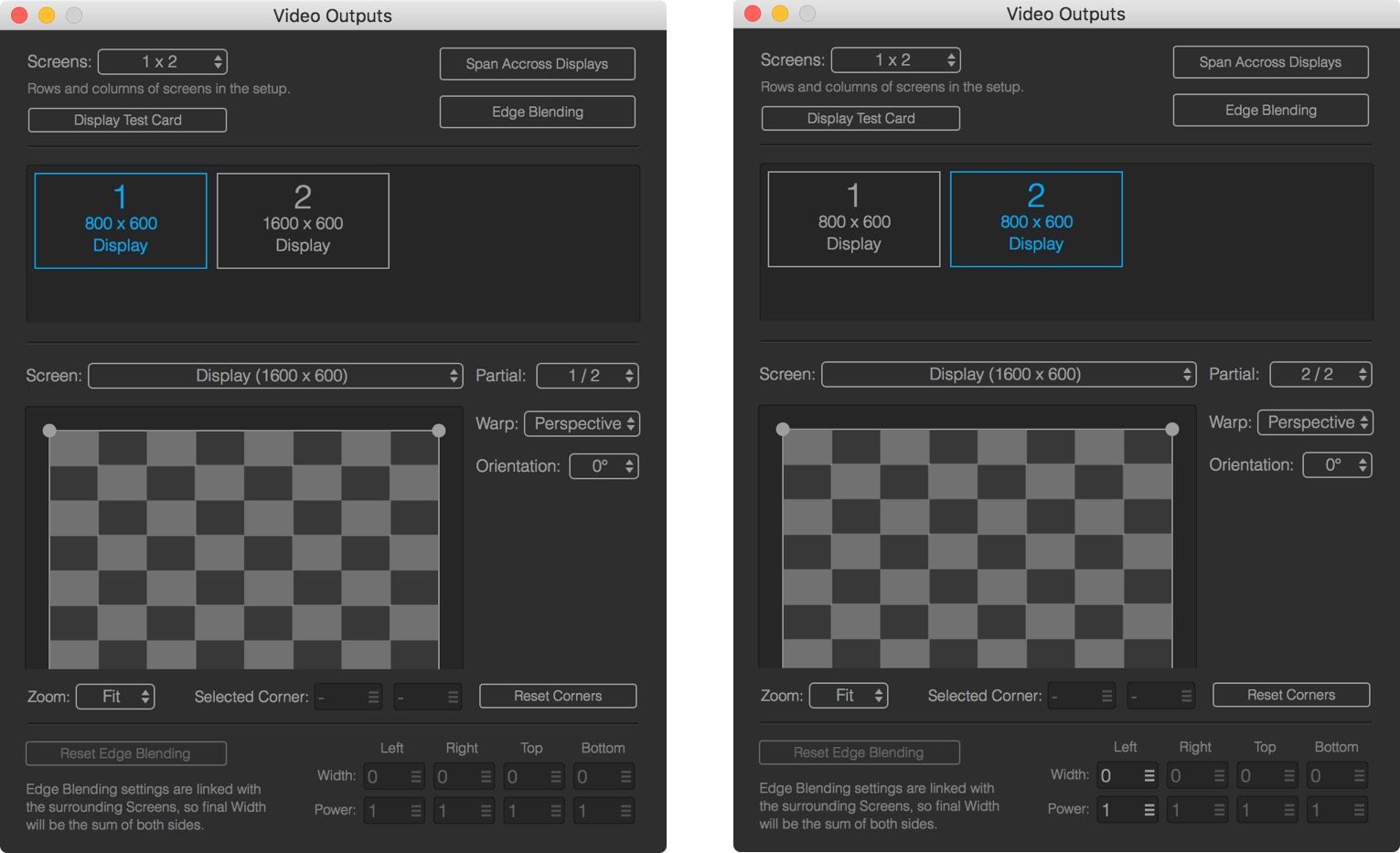
Set the Partial Screens from the Partial popup to split the output to 2 identical displays - with a Triplehead2Go you need to use 3 here.
3. Enable Span Across Displays
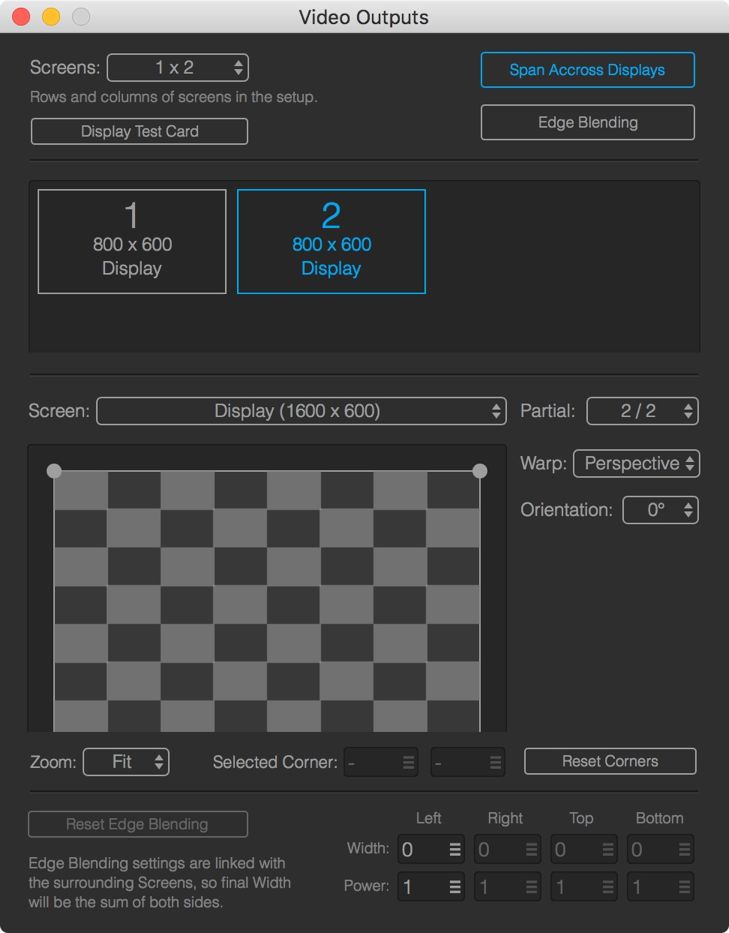
In case you are using super-wide content, you need to enable Span Across Displays to make the output spanned on the attached screens.