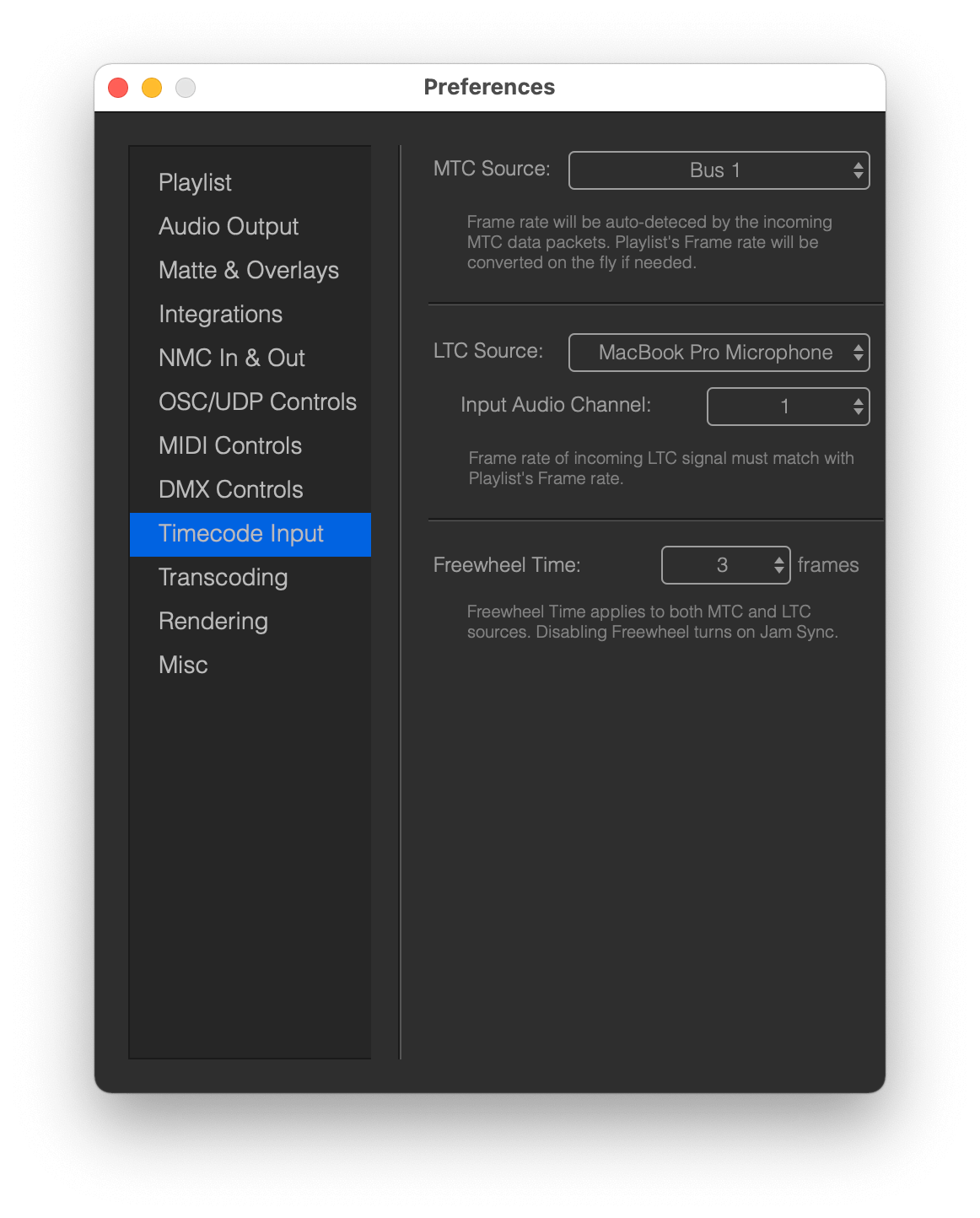
Preferences of timecode input can be found in Preferences - Timecode Input, where you can select the source MIDI port for incoming MTC timecode as well as the source audio device and channel for LTC timecode.
You can set the SMPTE offset - Playlist Start Time - in the Playlist Preferences.
MTC specific behaviours
MTC timecode let us know the SMPTE timecode format it is using, so once Mitti received that info it will check if the Playlist's SMPTE Format is identical and will change that on the fly if not.
While MTC timecode can be distributed thru a standard computer network interface, in practise that is often unreliable, especially with wireless network, so we suggest to use quality MIDI interfaces for MTC timecode distribution more.
LTC specific behaviours
Unfortunately LTC timecode does not contain any info about the SMPTE timecode format, so you really need to make sure the sender and Mitti's SMPTE Formats are identical.
Freewheel time
Neither MTC or LTC timecode protocols are defining start or even stop commands. Timecode should be considered as playing if an app like Mitti receiving MTC or LTC frames within a definite time interval, and considered as stopping if timecode packets are not receiving.
In practice, timecode dropouts may happen, so its possible some timecode packets may be received a little bit later than expected or maybe dropped completely, but of course that should not stop playback. So, you can define the number of frames - called Freewheel Time - this how long Mitti will keep running after the last timecode piece is received before considering the timecode should be stopped.