In CoGe 1.6 we introduced a new feature which allows you to preview Media Banks. Watch this short tutorial to get know the how:
Notes:
- just hold down the ALT key while you click on a Media Bank
- loops from DocOptic: http://docoptic.com
Make it permanent
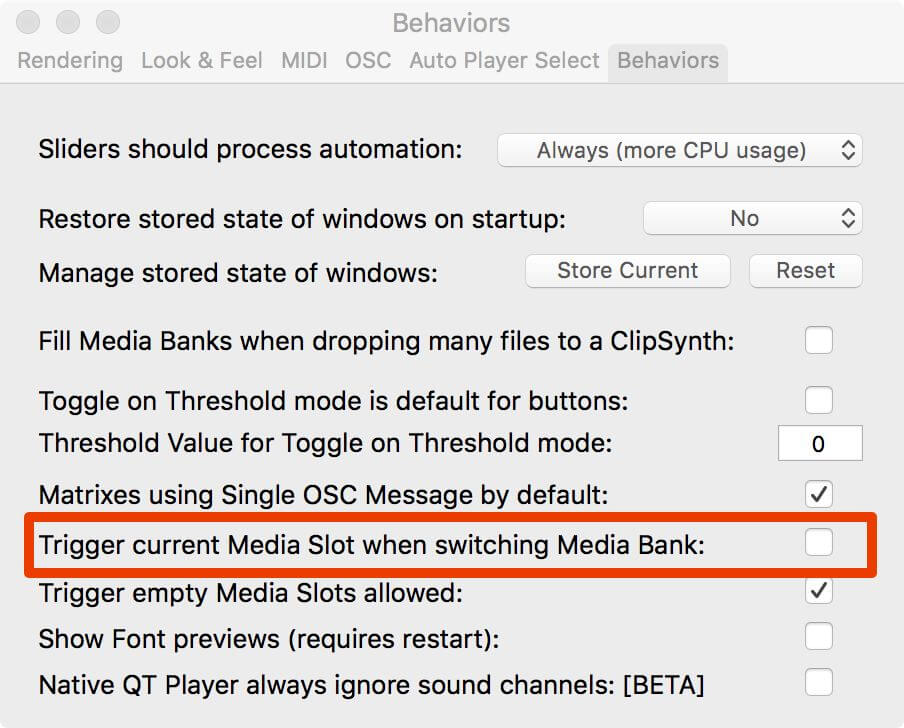
There is a preference called "Trigger current Media Slot when switching Media Bank", which you can turn off in case you want to always use the Bank Preview behaviour.